DynaMate AI User Guide
Step-by-step instructions to streamline your workflow management.
Step 1: Launch and Login
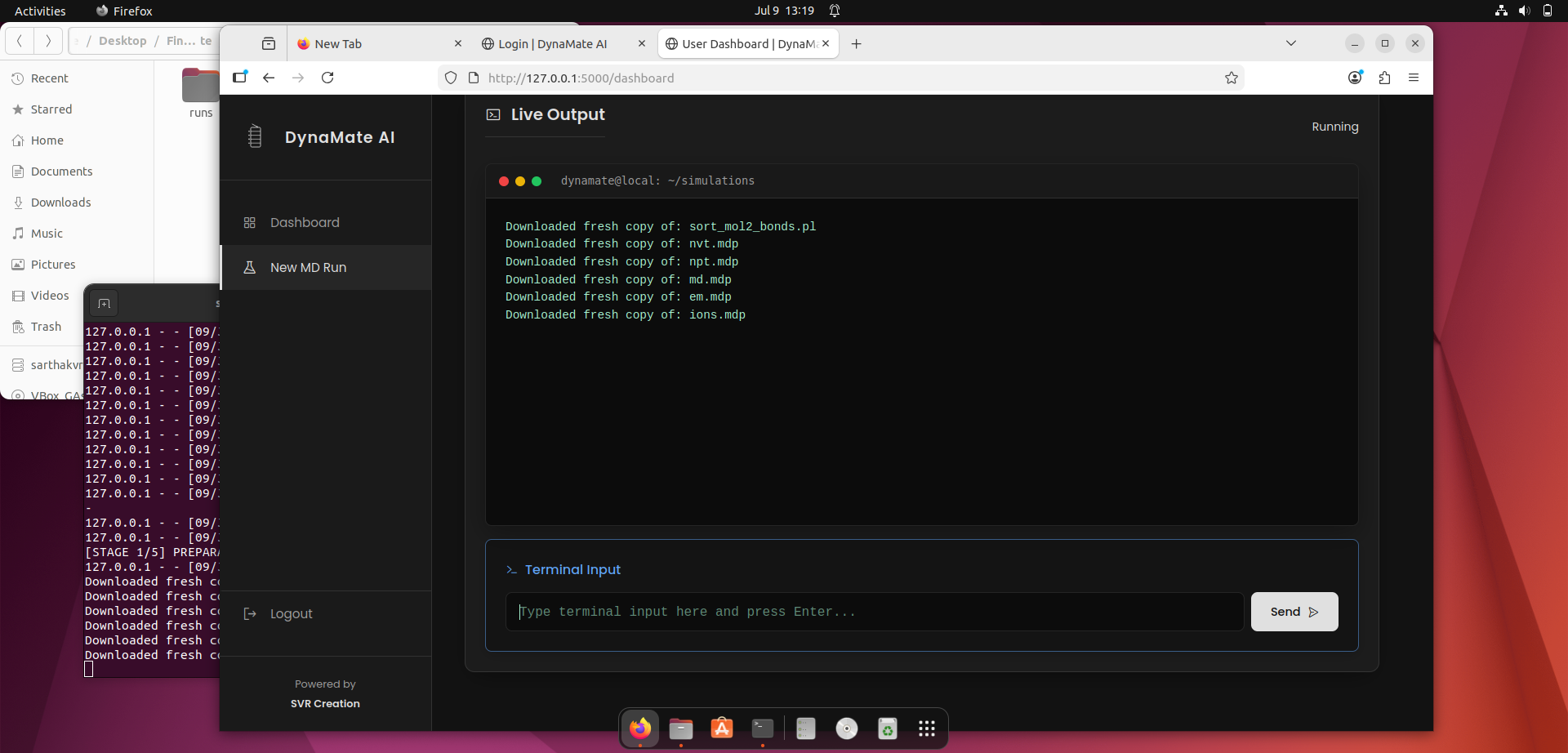
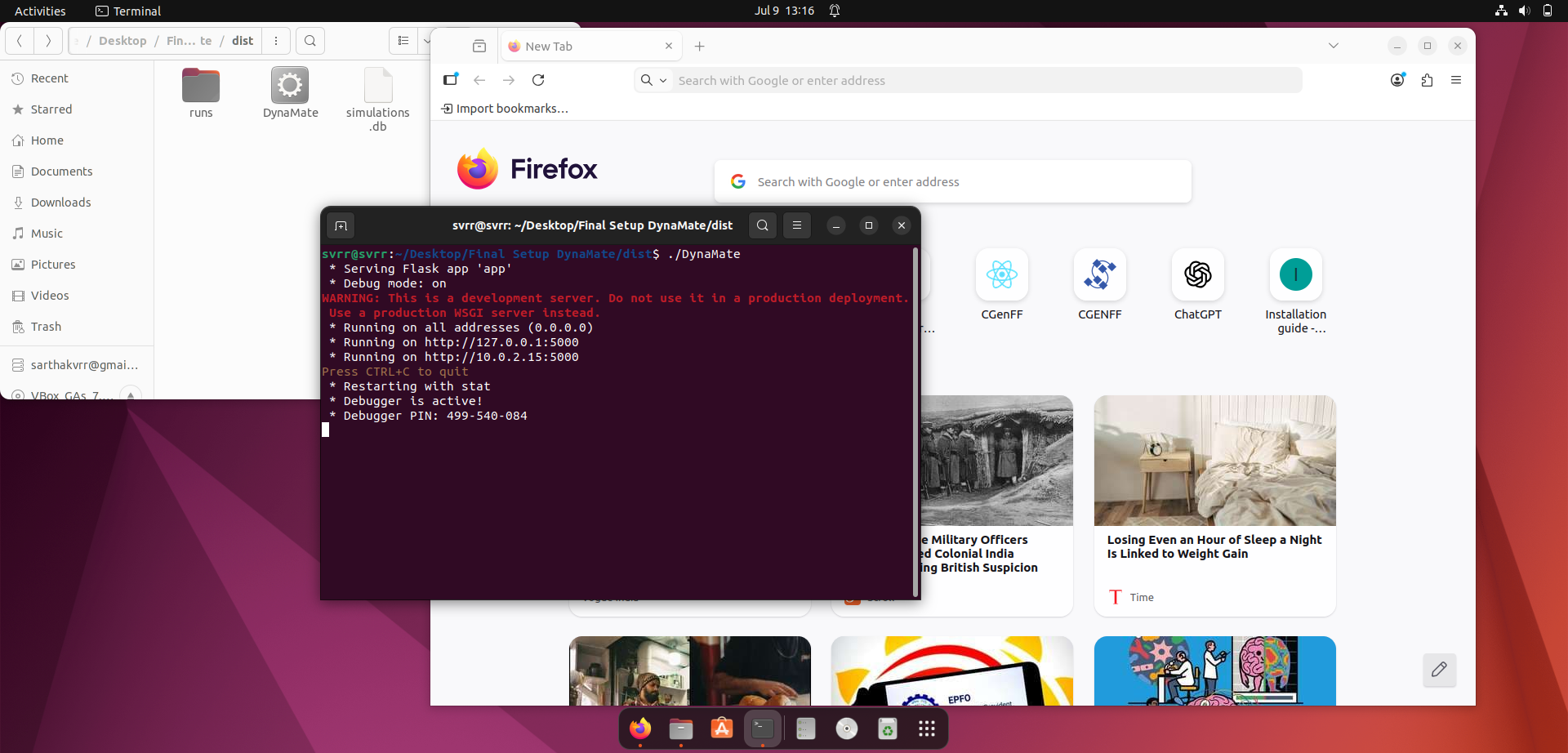
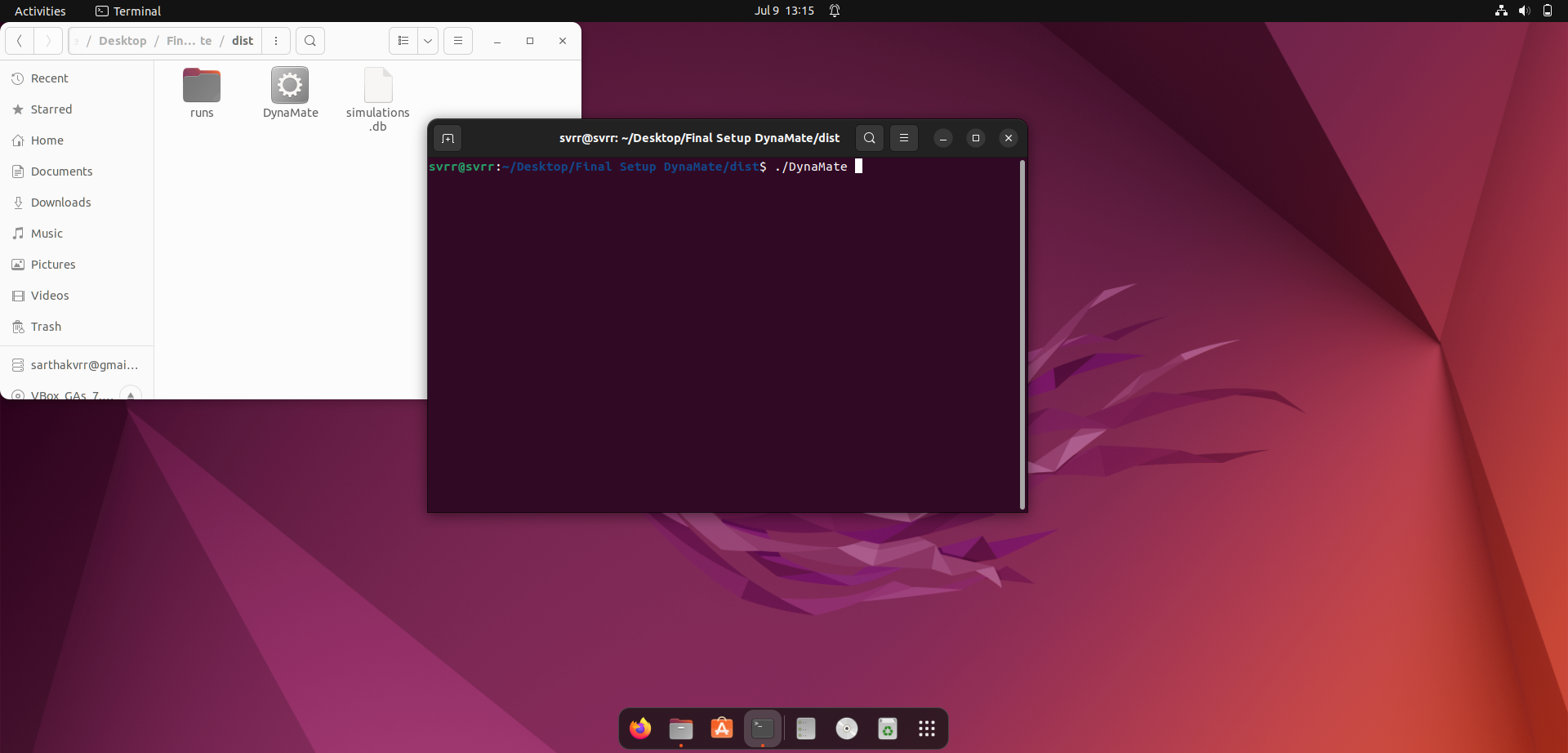
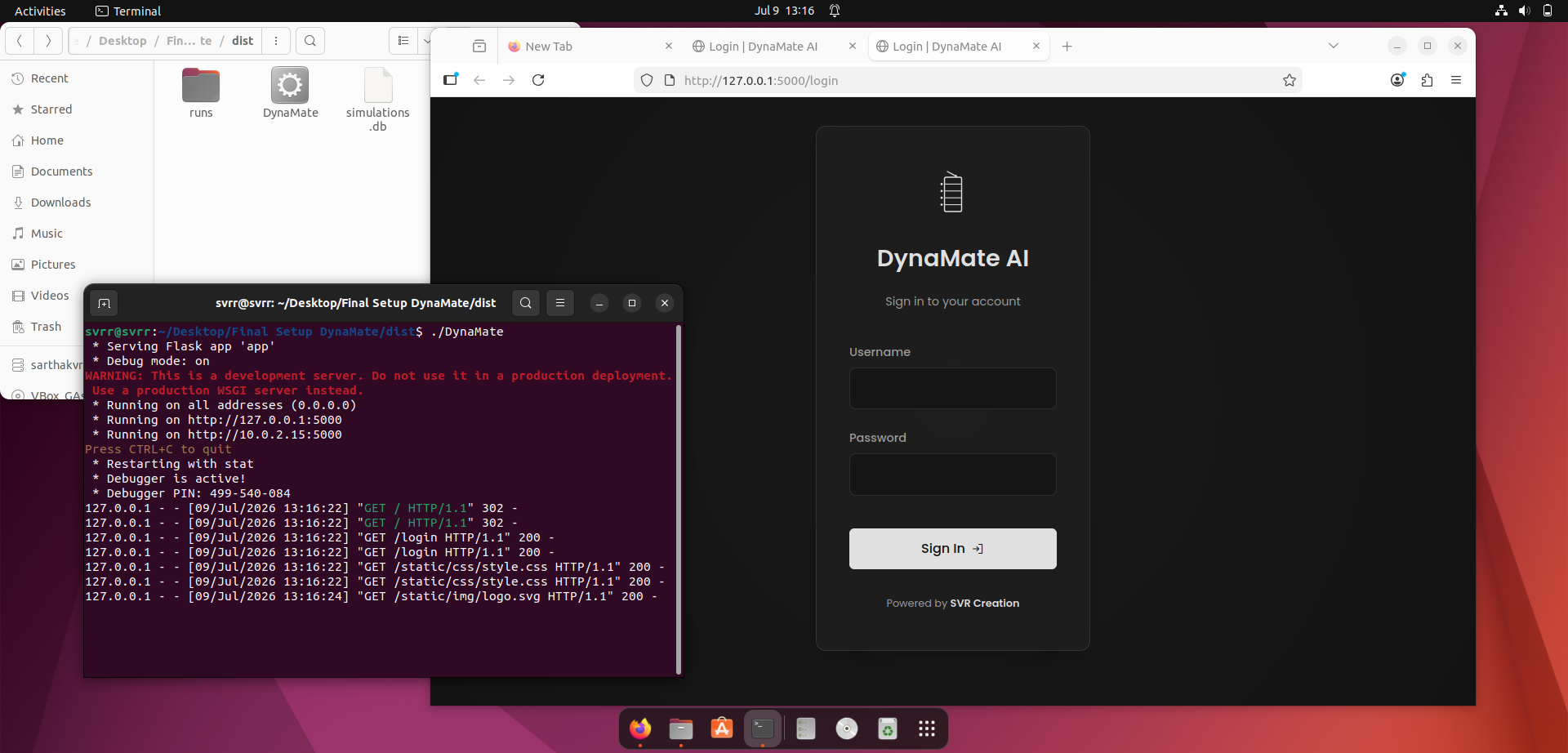
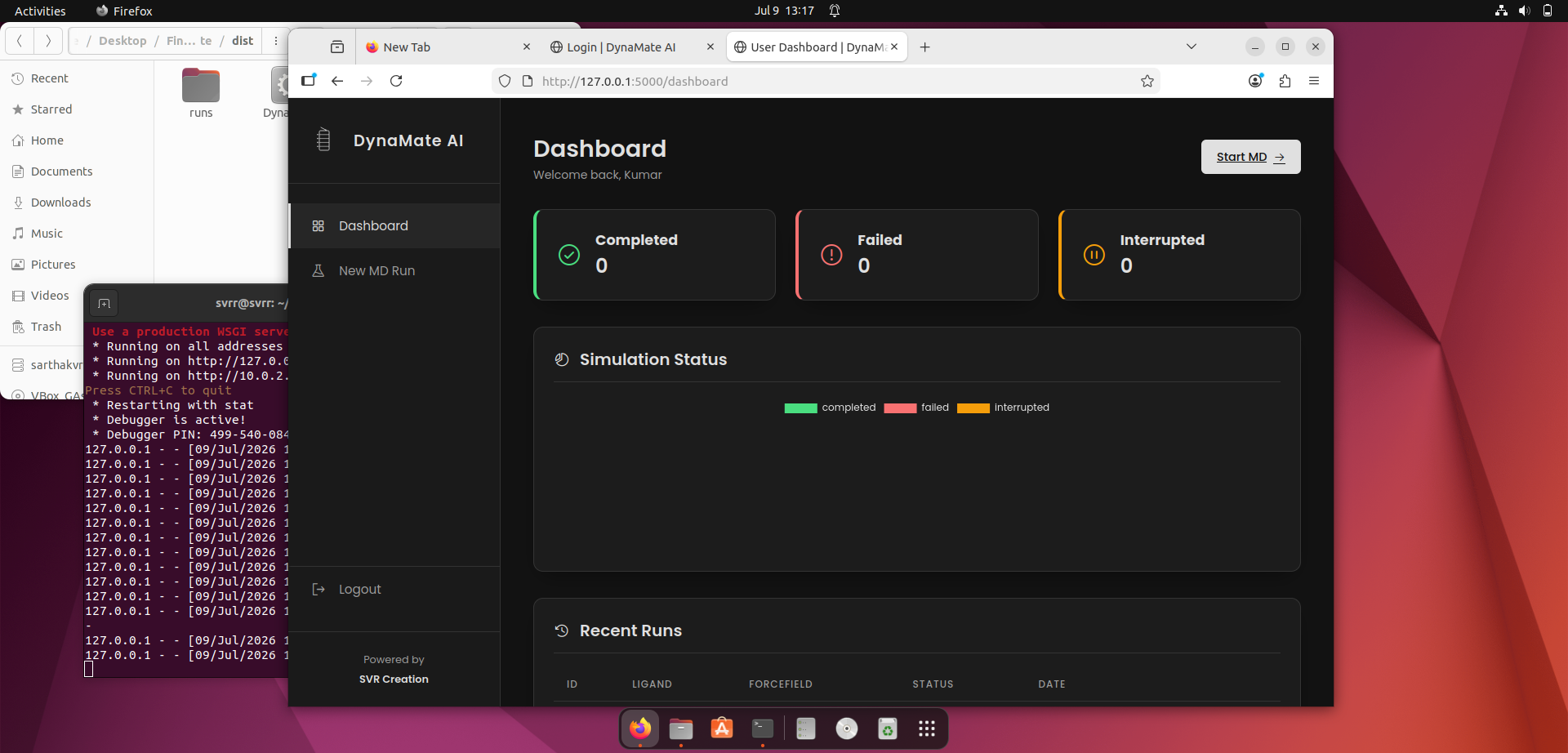
Start DynaMate AI from your system. Use your provided login credentials to authenticate and access the main interface.
Step 2: Dashboard and Ligand Preparation
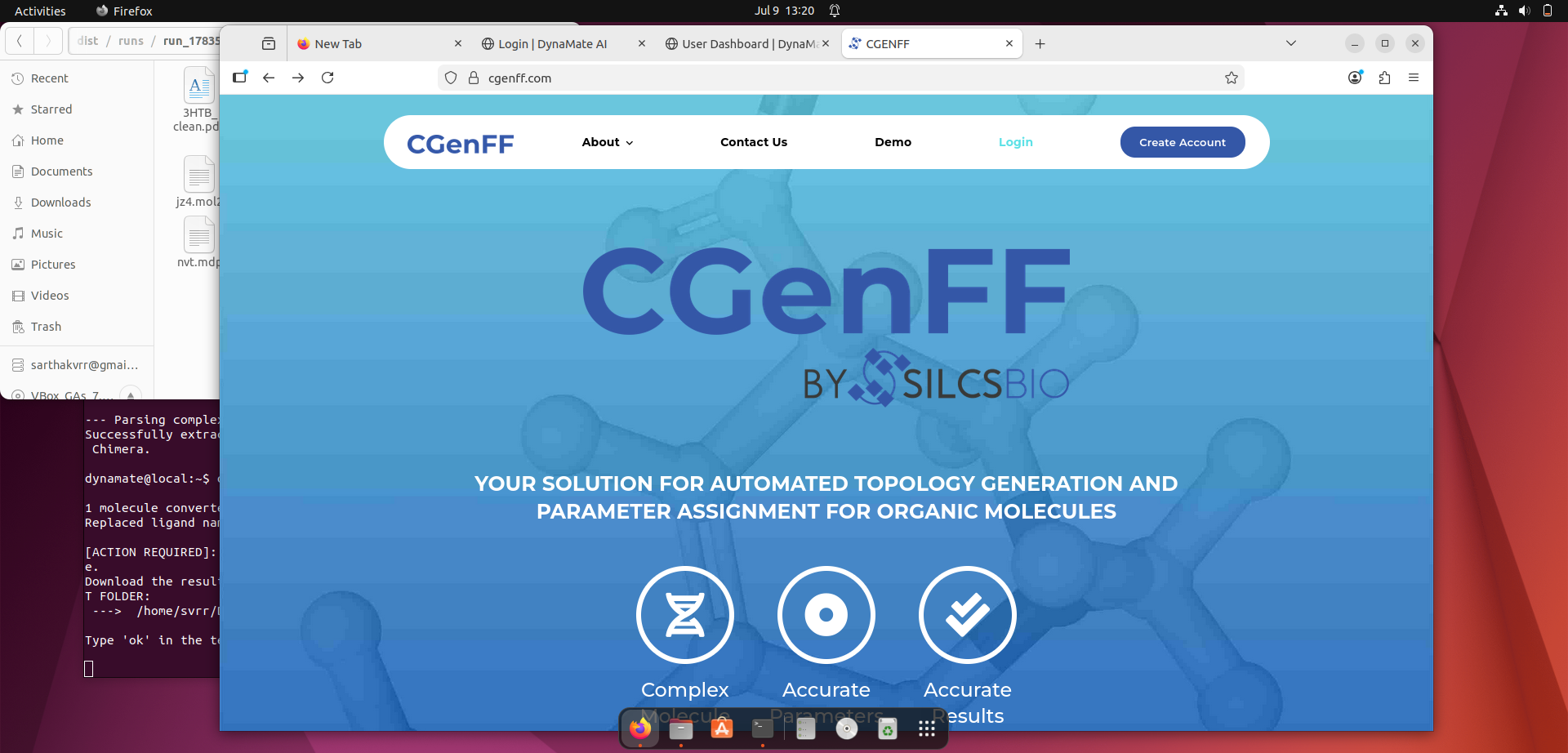
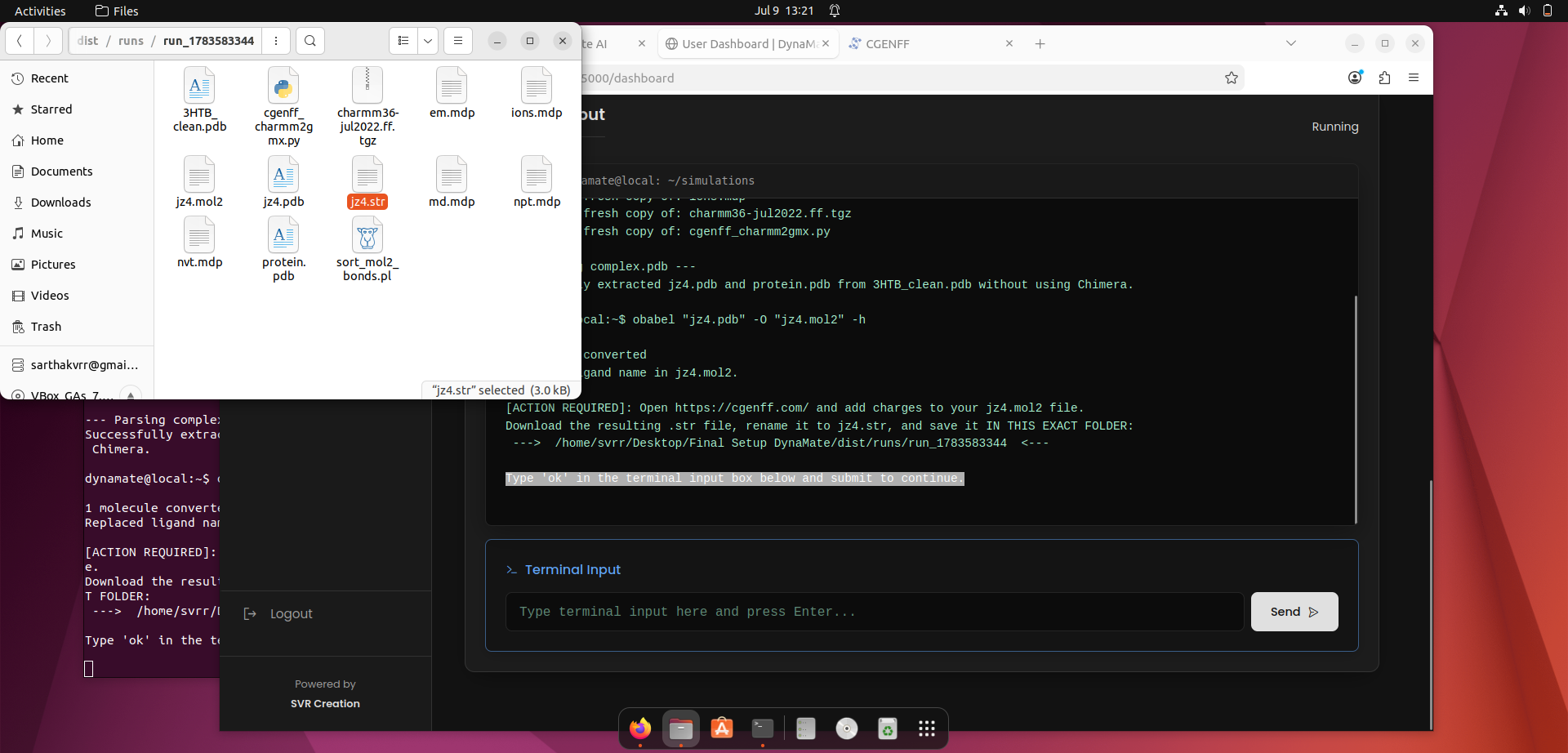
On the dashboard, you can initiate your workflow. First, log into the integrated web portal to
obtain the CGenFF force field file by uploading the .mol2 file of your ligand.
Step 3: Upload Complex & Check Dependencies
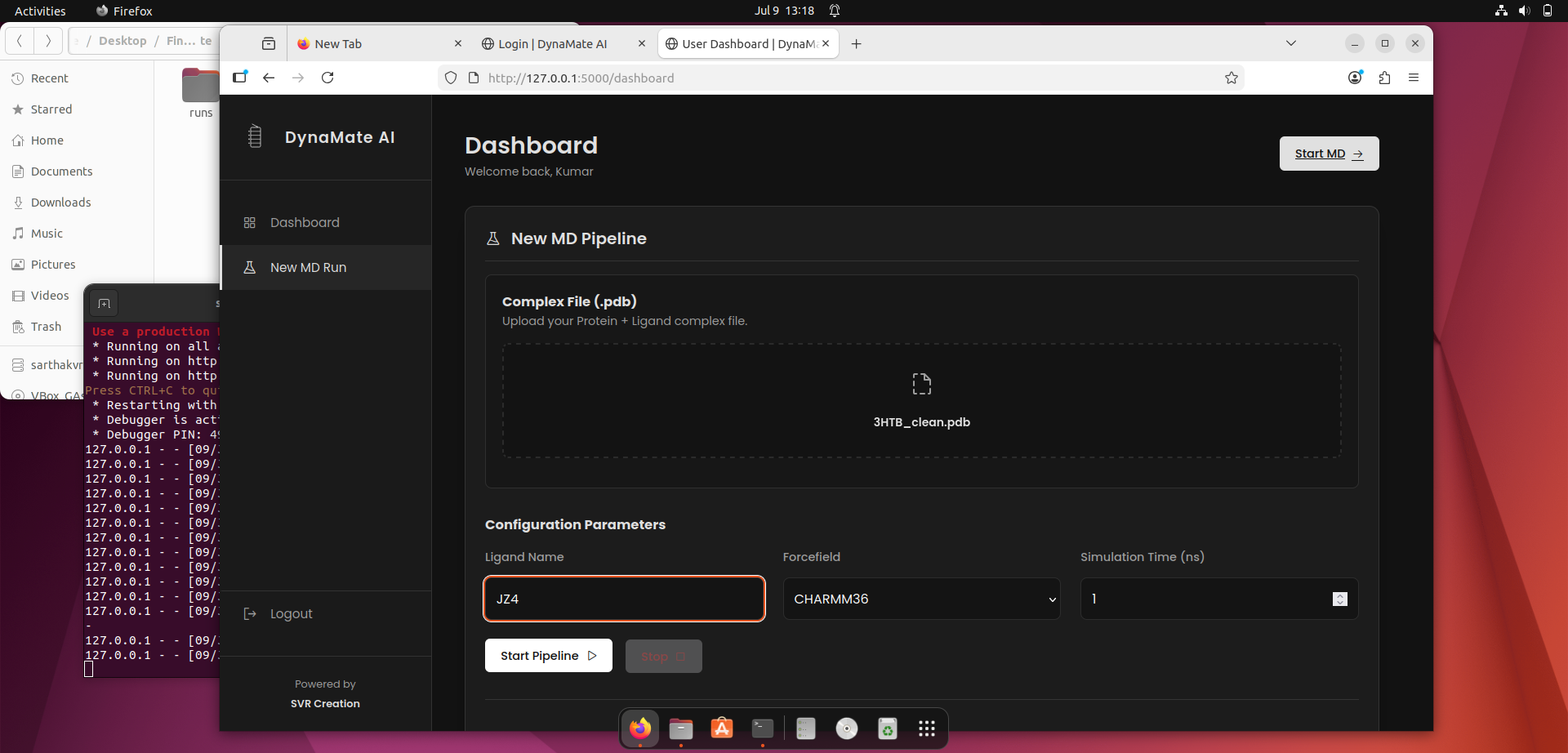
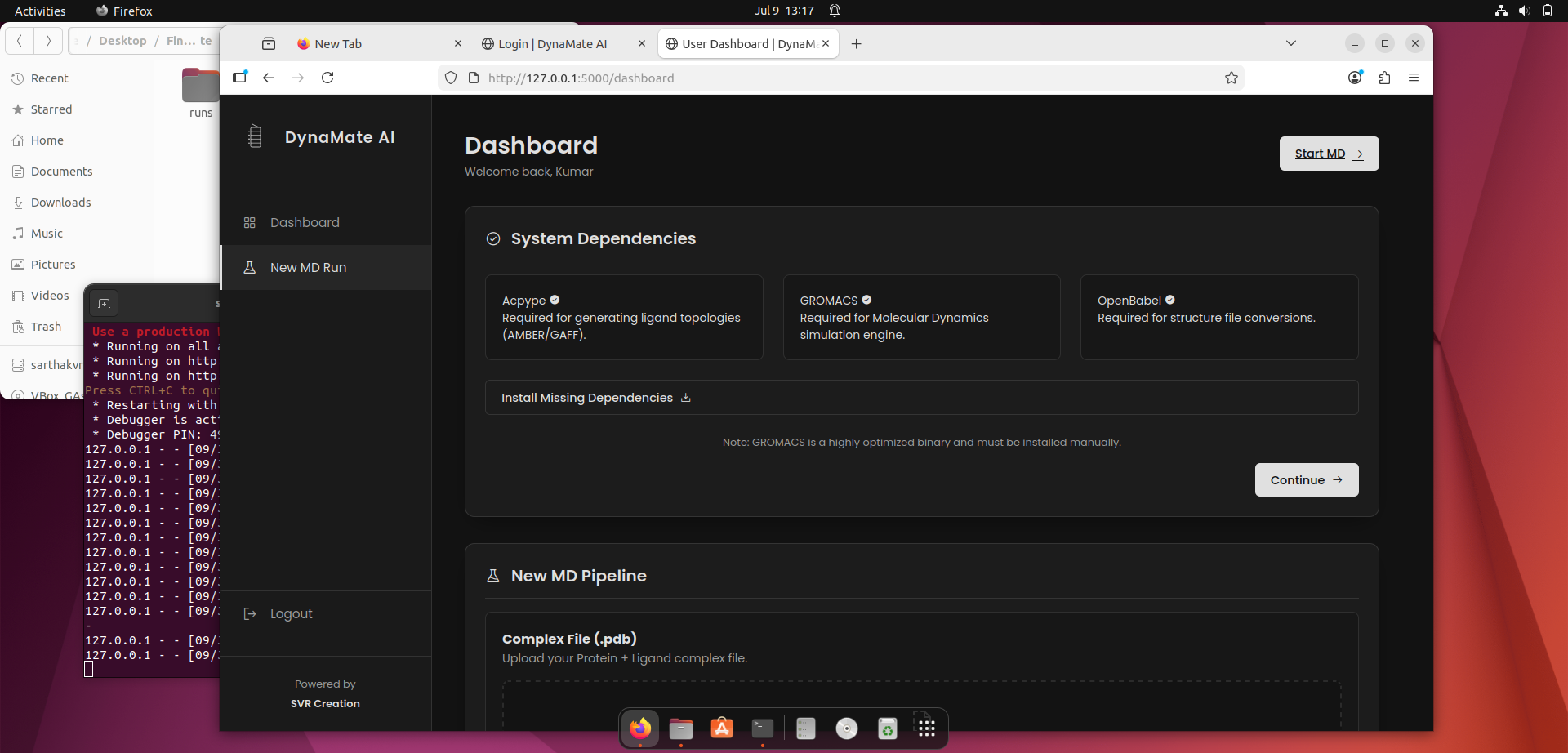
Upload your protein-ligand complex file and set the initial parameters. The system will automatically check for required dependencies before allowing you to start the process.
Step 4: Terminal Configuration & Analysis Perspective
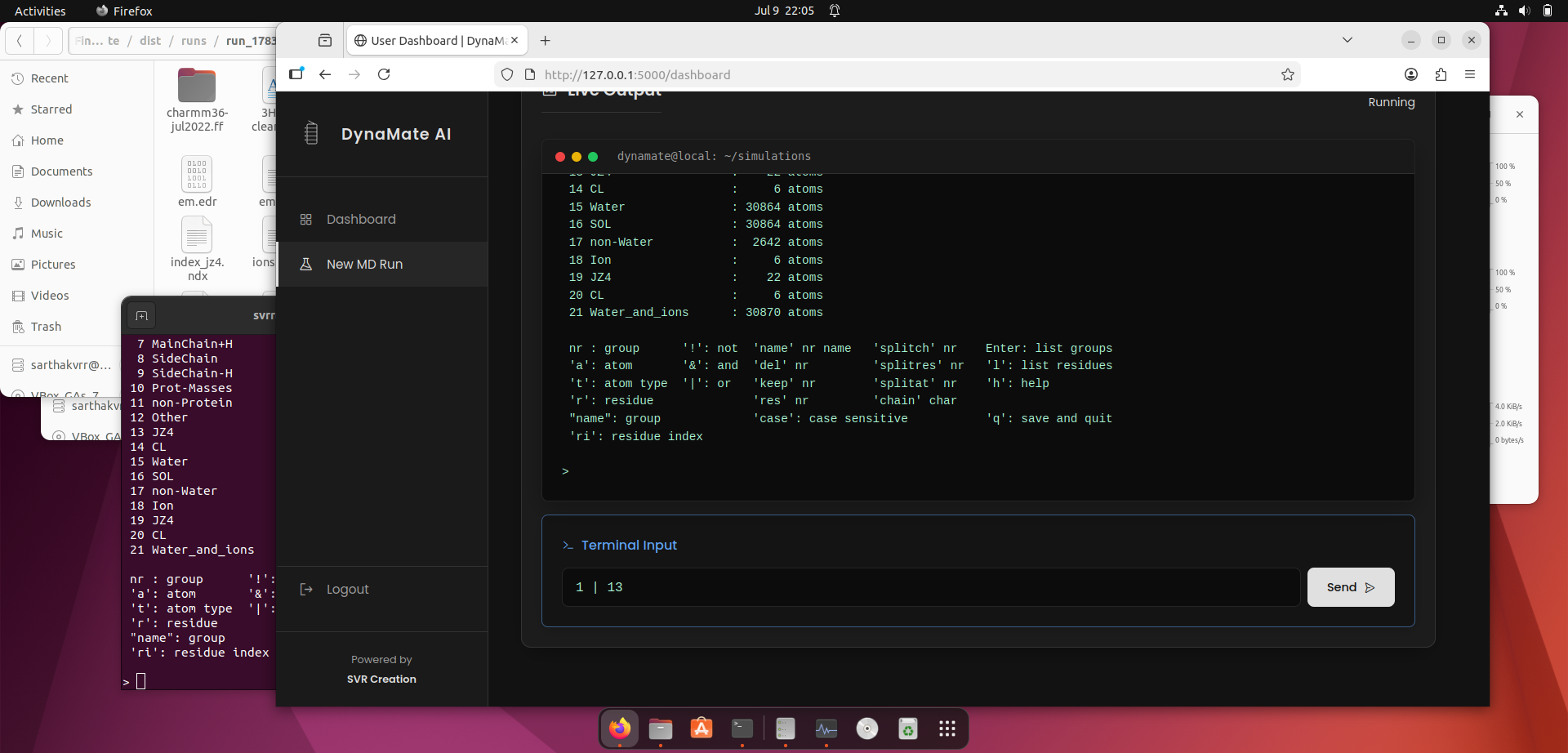
The core process operates within a terminal window where you will be prompted for specific inputs. Important Analysis Note: Based on standard molecular dynamics preparation, follow these specific selections:
- Force Field: Select the CHARMM all-atom force field, which is presented as the 1st option.
- Water Model: Select the required water model when prompted.
- Terminals: Based on your structural analysis, carefully select the start and end terminals to properly cap your protein chains.
Once you retrieve the necessary files in your working directory, send the "ok" command to the terminal to proceed, and provide the second and third parameter inputs as requested.
.png)
Step 5: Live Process Monitoring & Automated Web View
After all inputs are configured, the main processing will begin. You can monitor the live output directly in the terminal window. Once all tasks are complete, the system will automatically open the final results in a web browser for you to review.